No matter how everything seems connected these days, sharing a file from your phone to another phone or PC can still turn out to be complicated. Sure, you can send it via email or an instant messenger, but sharing it to a PC might require logging in, uploading, and downloading files. What if there was an easier way?
Fast and data-free transfers
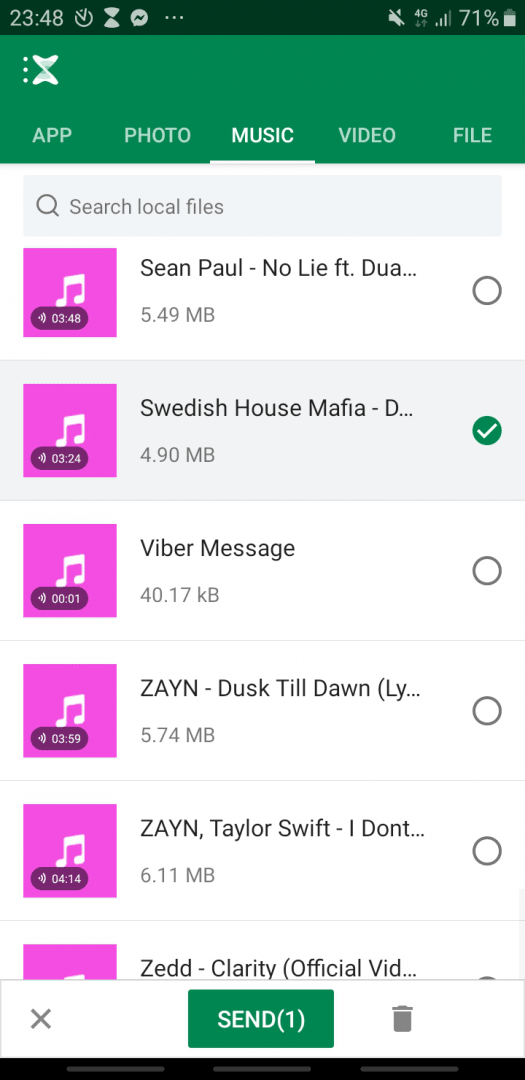
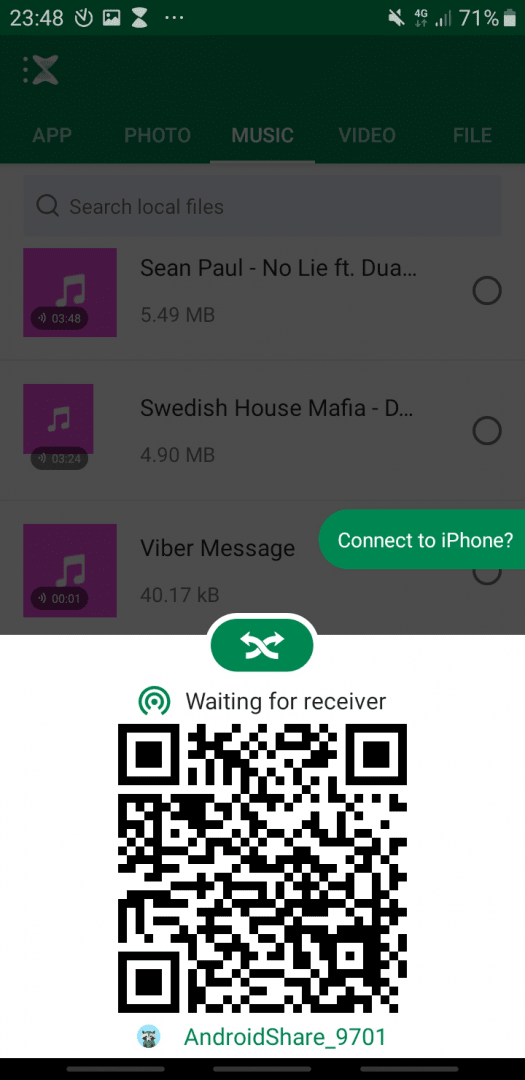
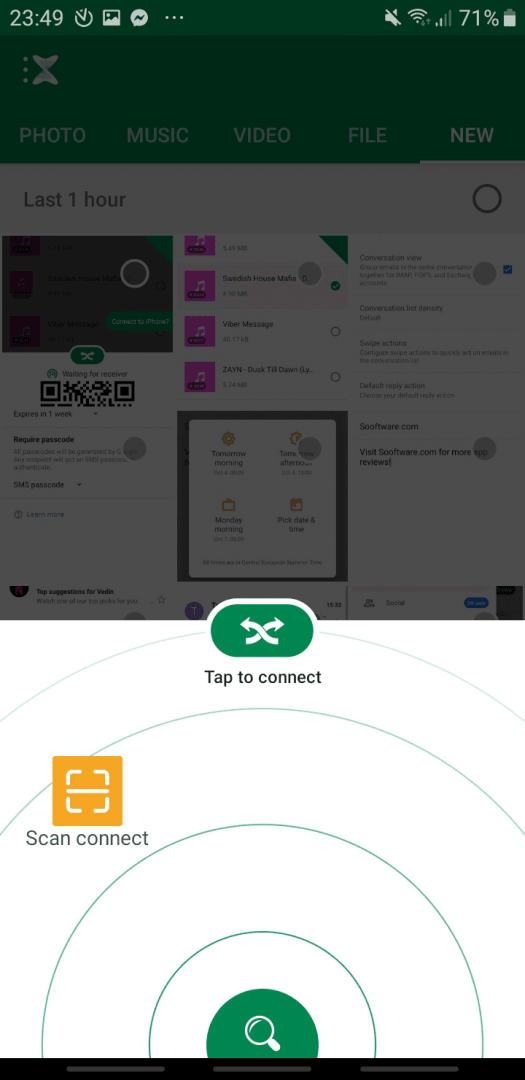
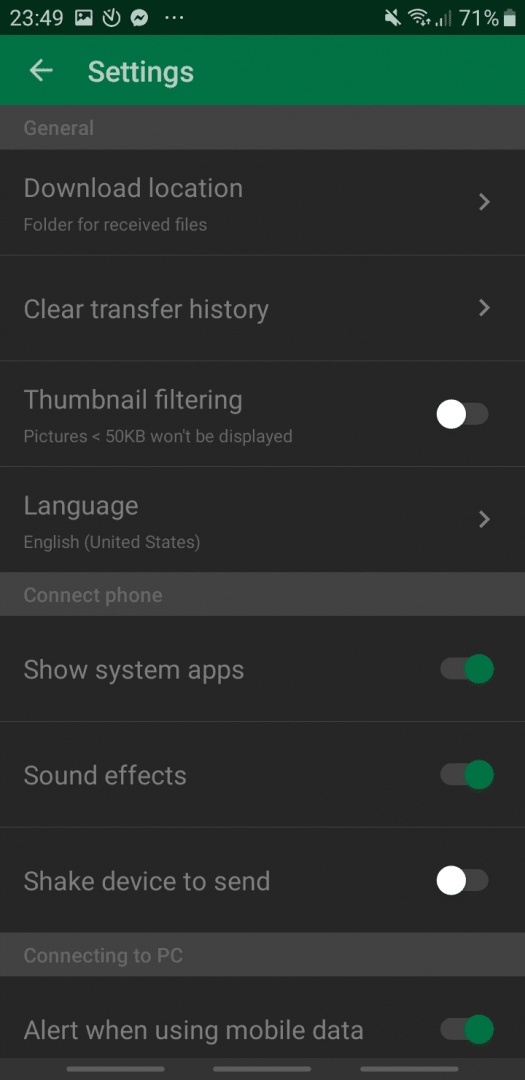
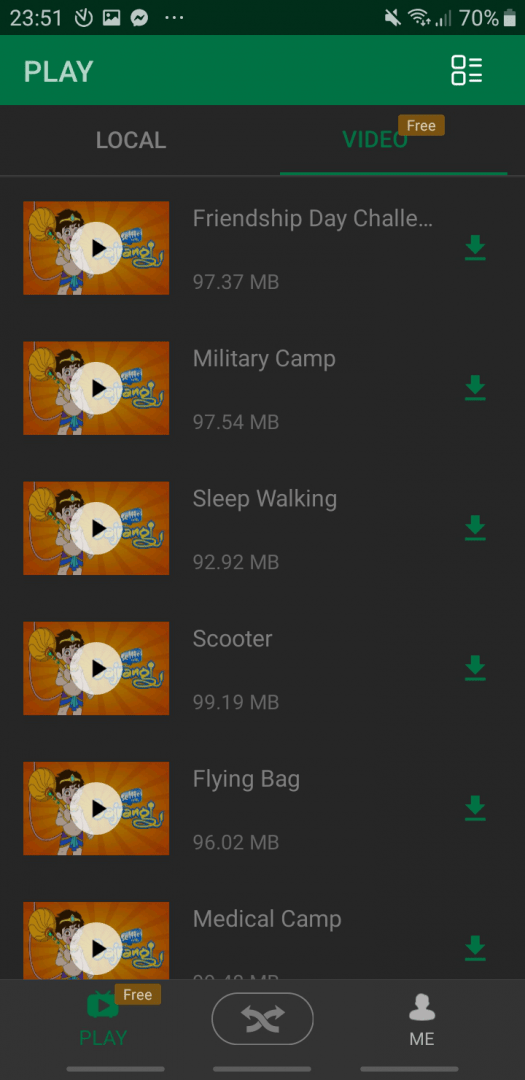
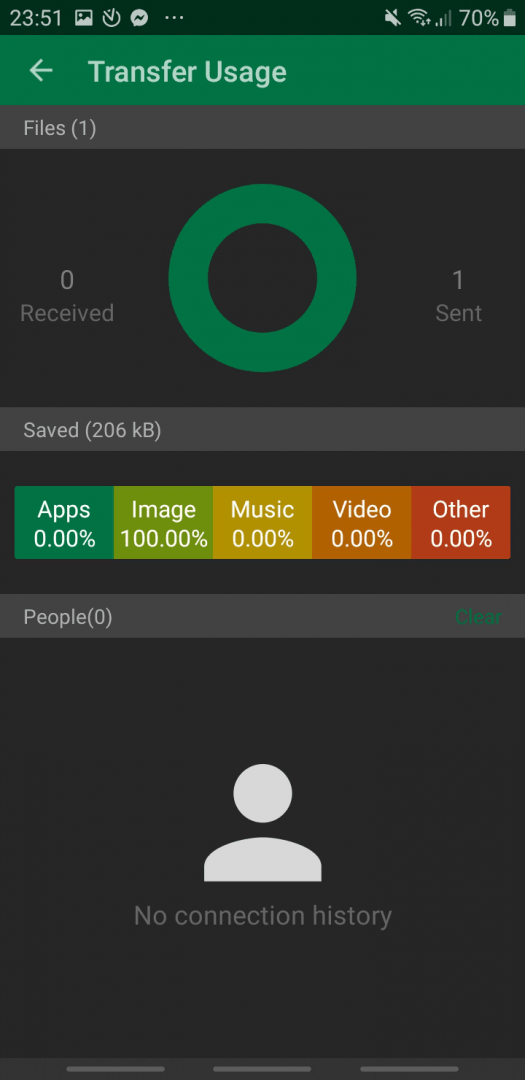
Xender is a free Android app used to easily share files between Android phones and other phones and computers. You can send files by creating a mobile hotspot (no mobile data is used) or by scanning a QR code. Files can also be shared simply by shaking your device. Since the files are sent within a single network, the speed at which the files are shared is just amazing.Connecting with a PC or iPhone
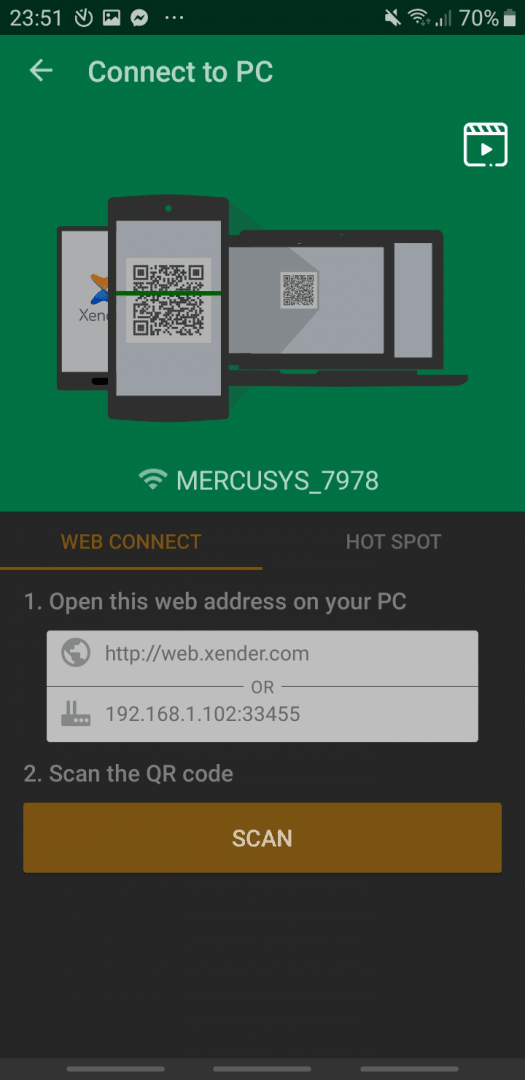
Communicating with your PC is very simple. You simply open up the Xender Web page in your browser and scan the QR code that appears on it with your phone. This connects your devices, allowing you to easily browse and save files directly to your PC. Sharing with an iPhone is also very simple. Anything on your device can be shared, including photos, videos, music, any file in general, but also apps!App sharing and Phone Copy
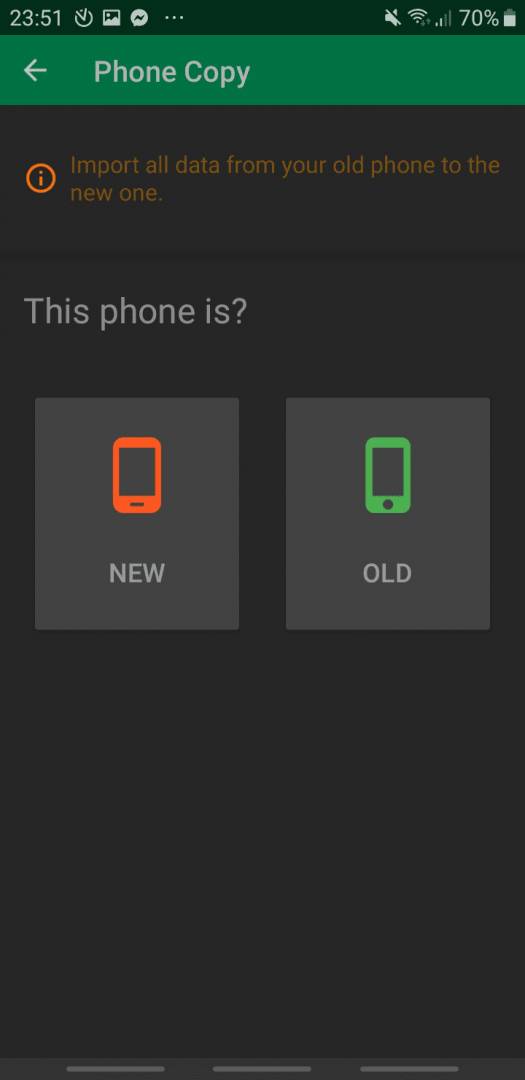
That's right, Xender can take an app on your Android phone, pack it up, and send it to another phone for installation. Another handy option is the Phone Copy feature, which quickly transfers all your data between two phones. It's great if you just got a new phone and you want to switch all the files. The concept of this app is incredibly useful, especially if you are struggling to transfer files between several devices and want to keep everything organized!